The Spider Solitaire app
In brief
Available on the App Store (iPhone and iPad) and on Google Play (Android). The app is played in landscape orientation, with 1, 2 or 4 suits, under Classic or Relaxed rules, with a code for each game and undo for the last 100 actions.
Where to download it
| Platform | Listing |
|---|---|
| iPhone and iPad (App Store) | View on App Store (new tab) |
| Android (Google Play) | View on Google Play (new tab) |
Links checked on October 30, 2026. The app is not available as a desktop version.
What the app does
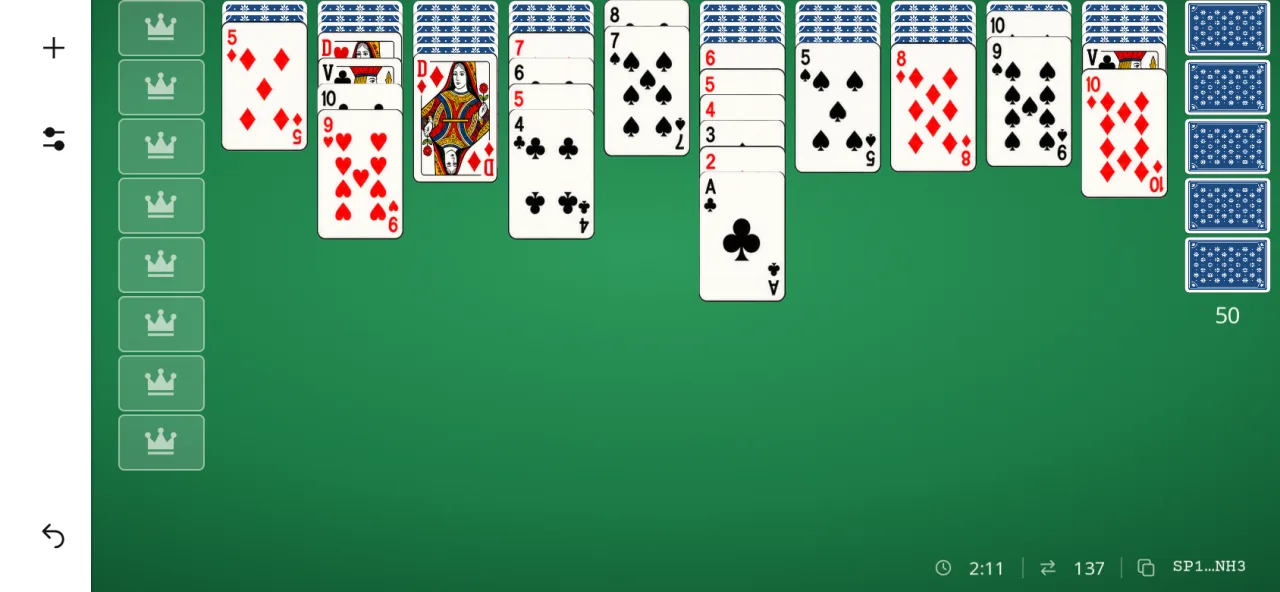
- Two-deck Spider: 104 cards, 10 columns, 5 deals, 8 runs to remove.
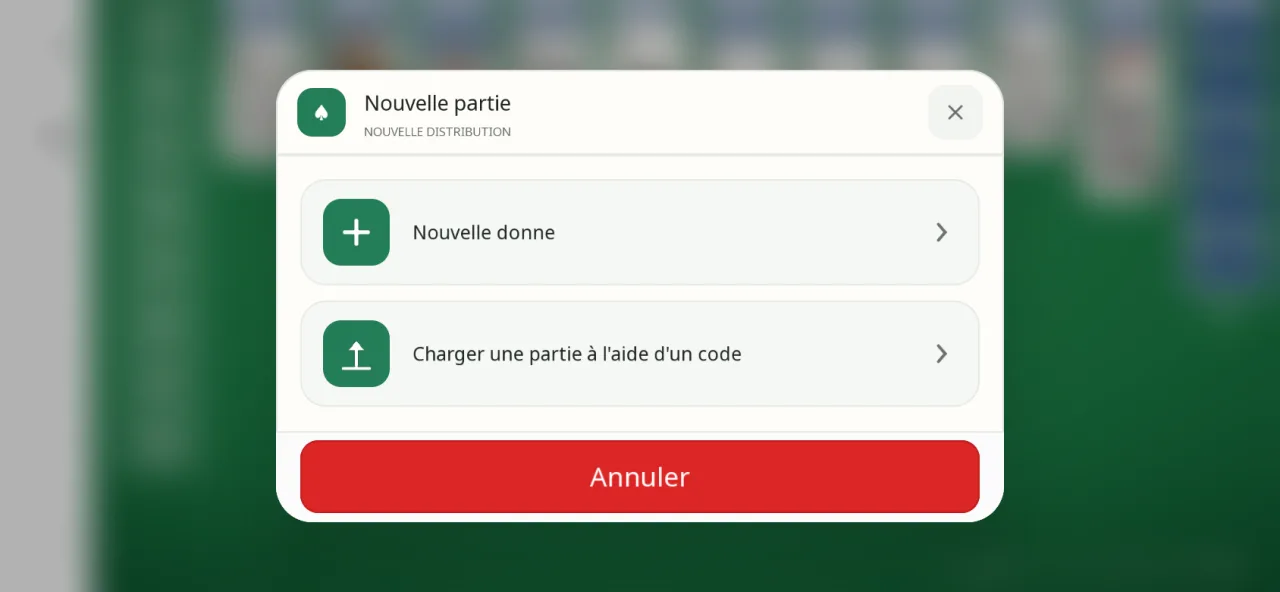
- Three difficulty levels: 1 suit ("Easy"), 2 suits ("Medium"), 4 suits ("Hard"), selectable in the New Game window.
- Two rules: Classic, where a group can be moved if it is all of one suit, or Relaxed, where suits can be mixed.
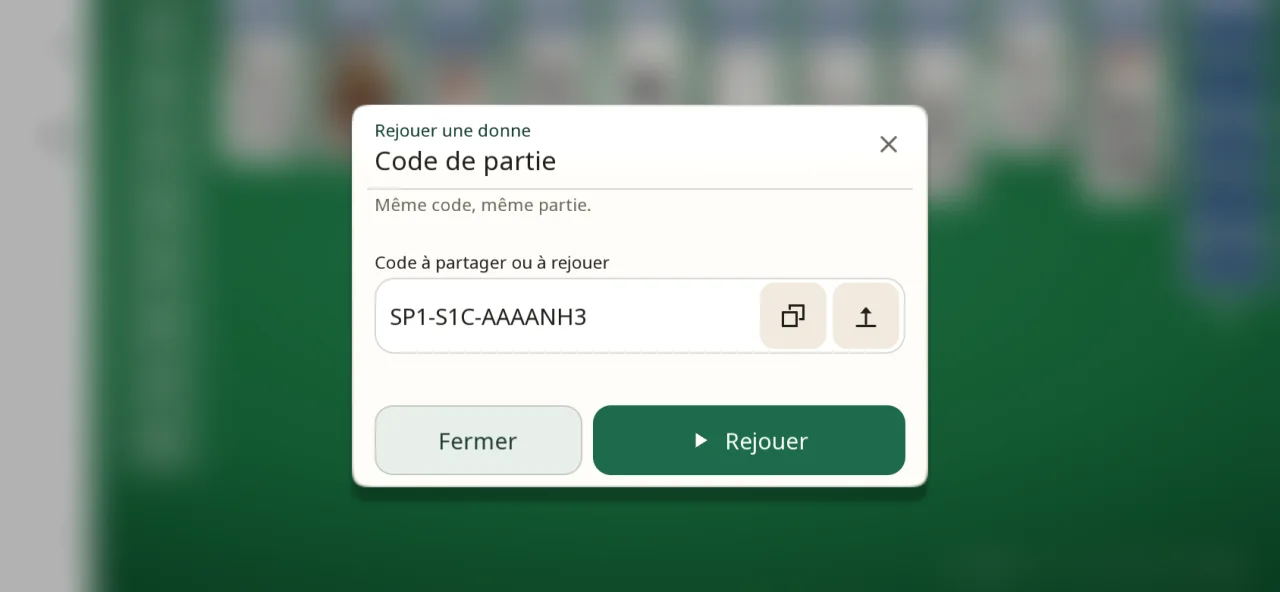
- Game code: each deal has a code (for example, SP1-S1C-AAAAAAD) that you can copy, paste or enter to replay the same deal or offer it to someone else. The shuffle is calculated on the device, with no account required.
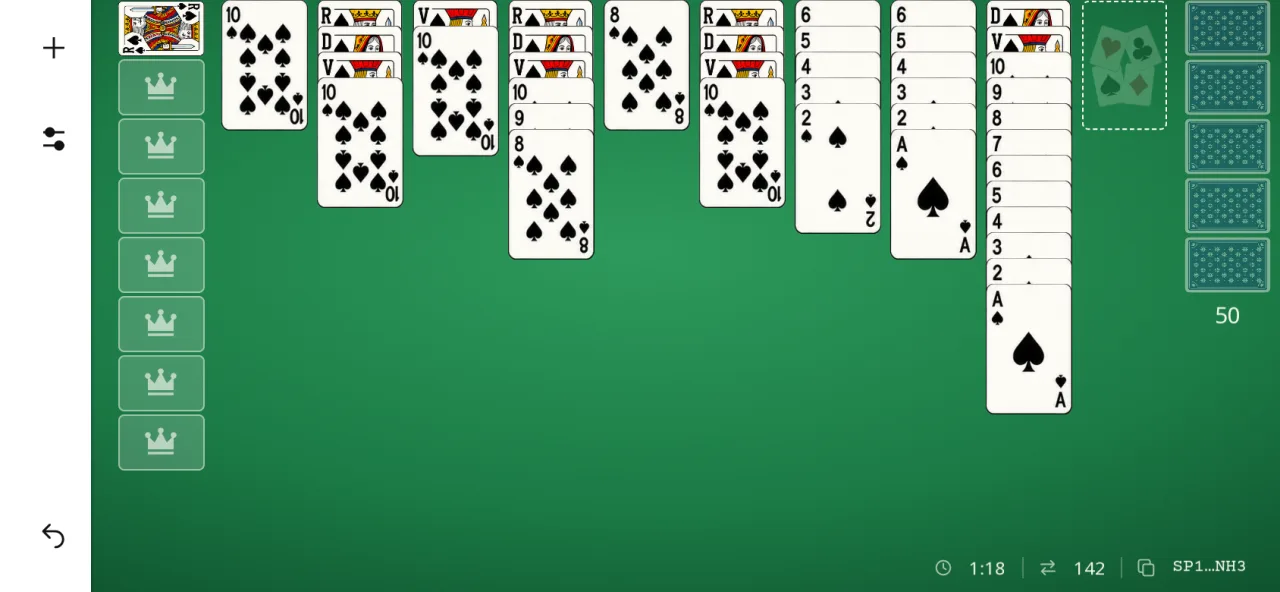
- Touch controls: double-tap to move to the best column, drag and drop, highlighted legal destination columns, a rule reminder after a rejected move, pinch to zoom.
- Undo the last 100 actions; pause by tapping the timer.
- Statistics kept separately for each rule, and a ranking of the 10 best results.
- Appearance: 4 table backgrounds (sage green, slate blue, plum, sand), 5 card back colors, a light or dark theme; 36 languages.
Phone and tablet
The images below are screenshots of the current app, at the size of each screen.
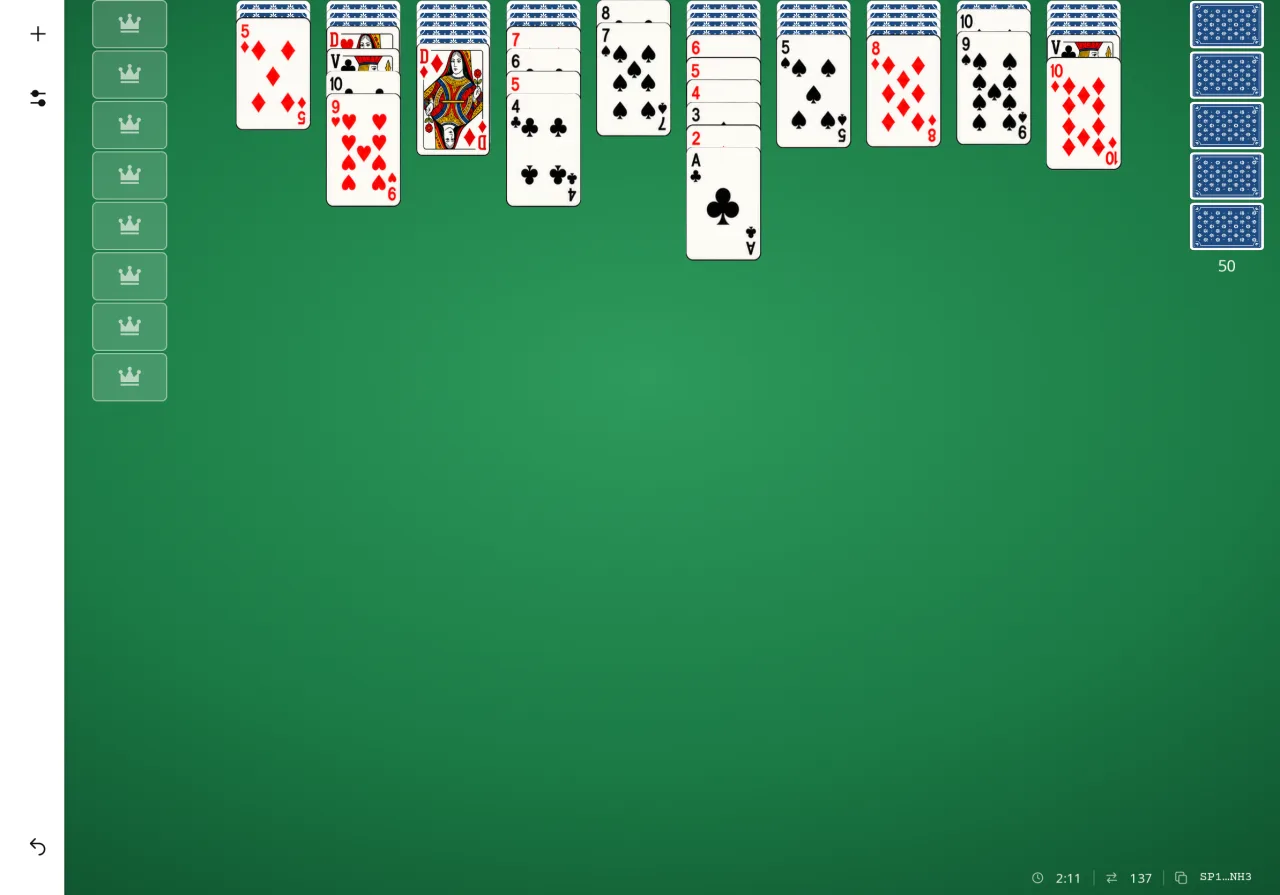
In pictures